
Integrations
Connect the tools around your work without guessing what moves, what stays in MANA, or how to check the connection.
Choose an integration
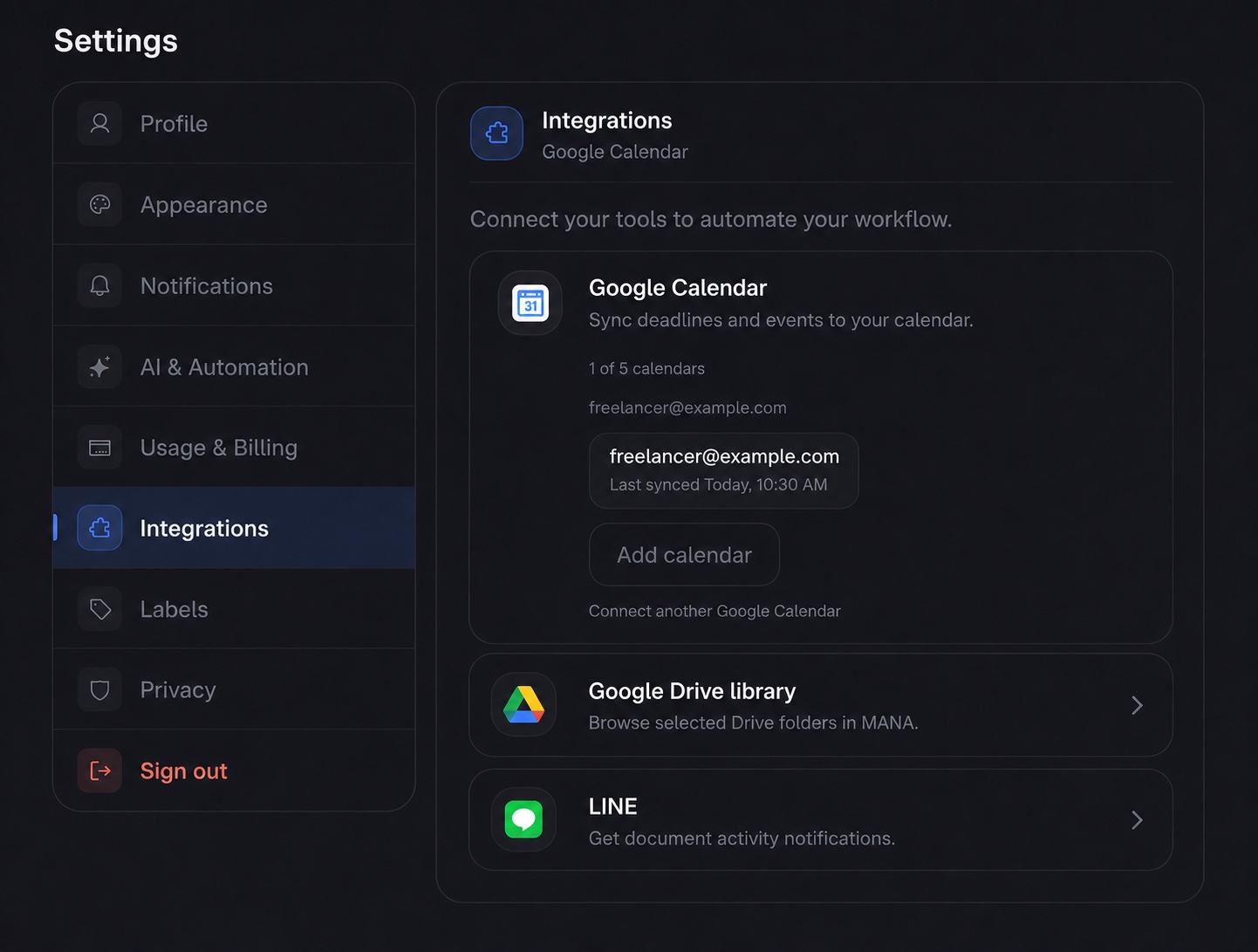
31Google CalendarImport Google events and send MANA-created events to your calendar.About 3 minutesLINELINEReceive selected document activity and recurring draft alerts in LINE.About 2 minutesMCPAI clients over MCPUse Claude Code, Codex, Gemini CLI, Cursor, VS Code, and other clients.About 5 minutes
What connects to what
 MANA MCP
e-Tax Invoice by Email
e-Tax setup lives with your business profile rather than Settings → Integrations. The dedicated visual e-Tax guide walks through Revenue Department registration, sending, and the ETDA time stamp.